Hello Dr. Schnetter,
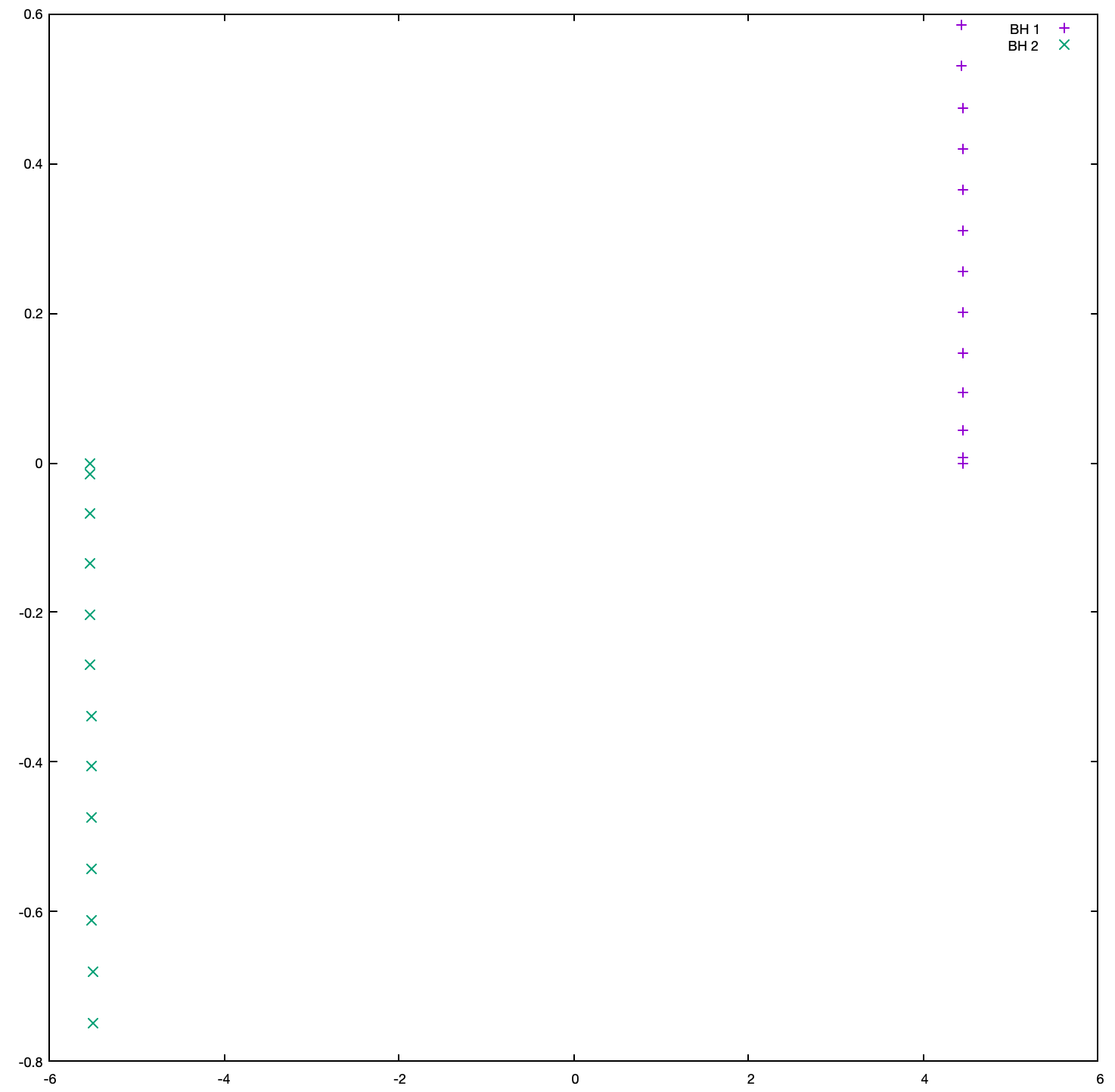
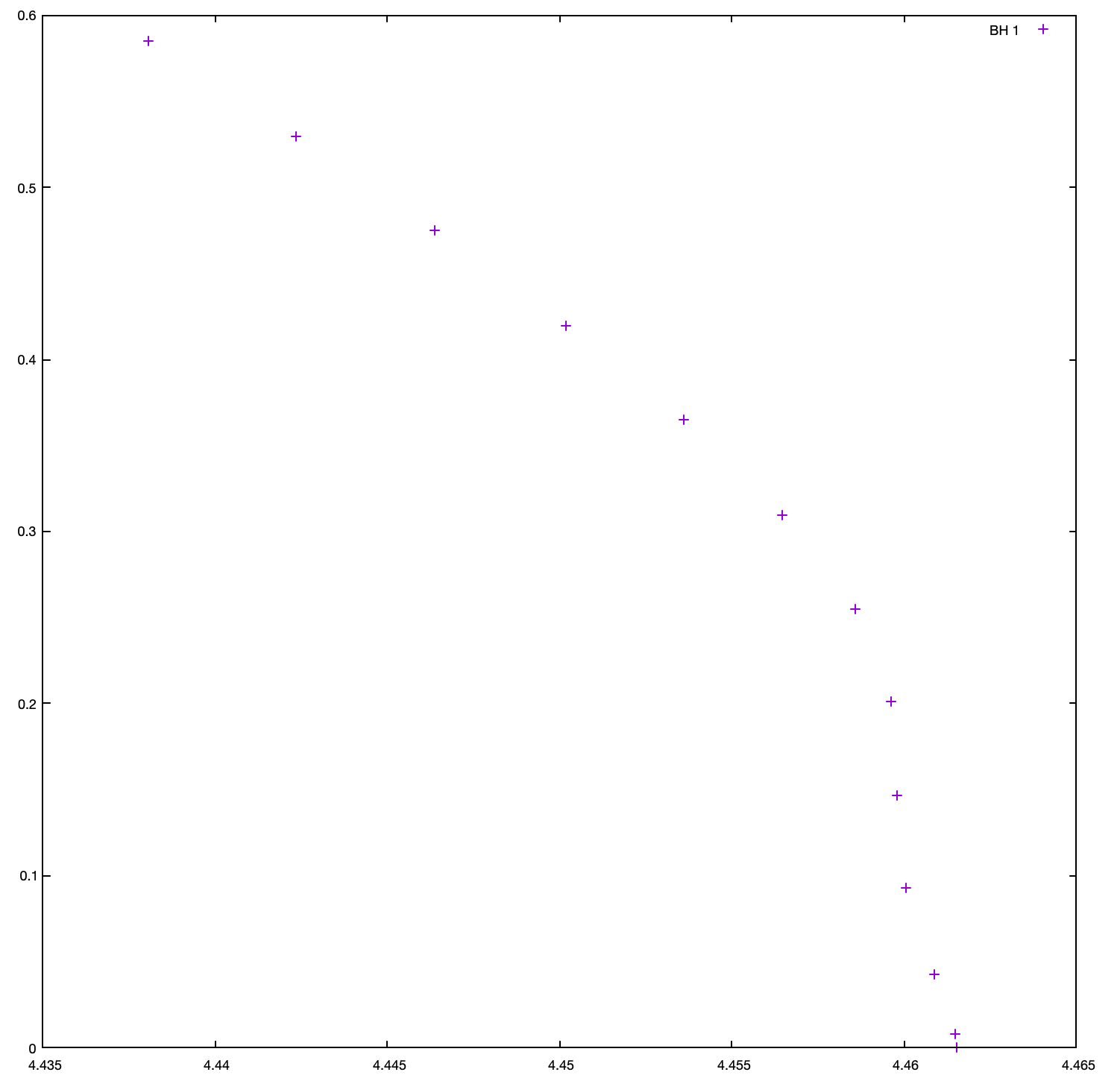
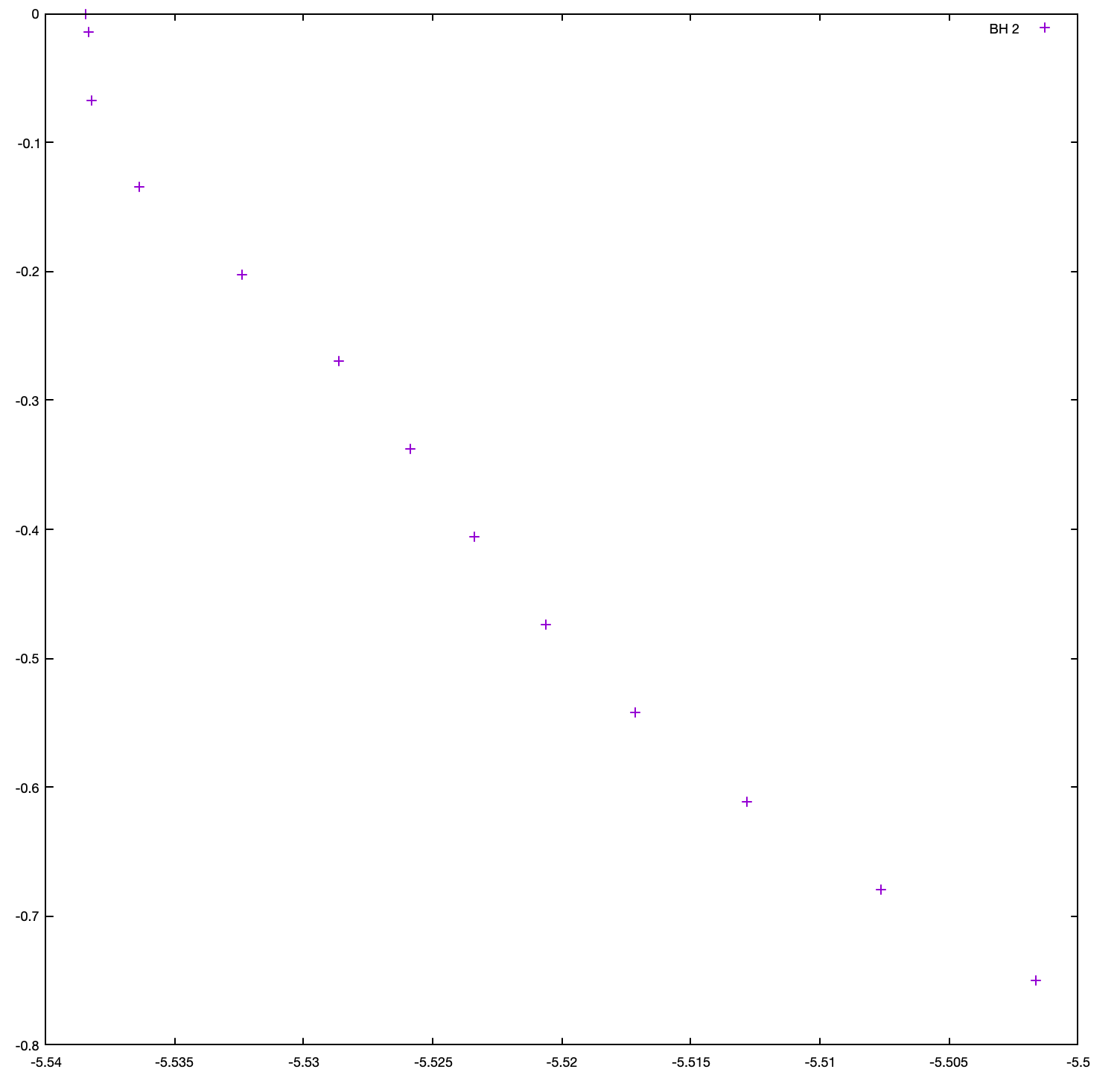
My 12 hr simulation just now finished. Yes, as can be noted from the first snip, they did not go very far yet. The second and third snips, which plot the trajectory of the 2 BHs individually, do show they going in a circular path.
gnuplot> plot 'puncturetracker-pt_loc..asc' u 23:33 title "BH 1", 'puncturetracker-pt_loc..asc' u 24:34 title "BH 2"; [image: image.png]
gnuplot> plot 'puncturetracker-pt_loc..asc' u 23:33 title "BH 1" [image: image.png]
gnuplot> plot 'puncturetracker-pt_loc..asc' u 24:34 title "BH 2"; [image: image.png]
On Sun, Oct 10, 2021 at 6:14 PM Krishiv Bhatia flyingunicorns5724@gmail.com wrote:
Thanks Dr. Schnetter. I really value your time.
Good to know I am on the right path. I am not running on a cluster. It is my local mac.
I am also running a simulation for 10 hrs and then will run for more time. I will update you with the results.
- Krishiv
On Sun, Oct 10, 2021 at 4:55 PM Erik Schnetter schnetter@cct.lsu.edu wrote:
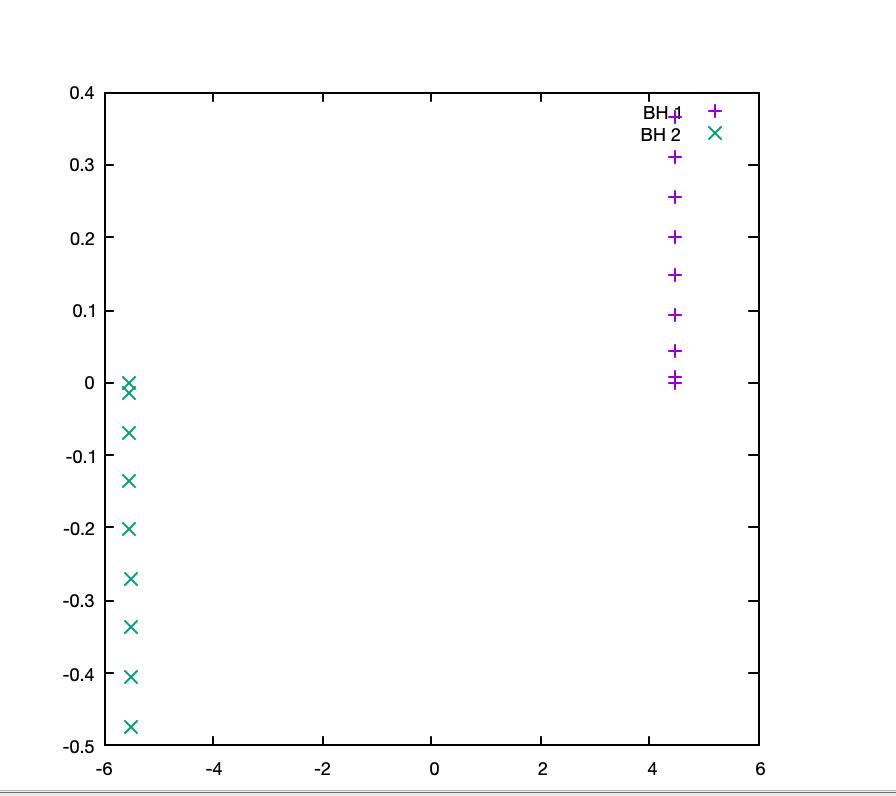
Congratulations! These are the two black holes moving counterclockwise in the x-y plane. If you use an aspect ratio of 1:1, then you'll see that they haven't actually moved very far yet. You also see that the black holes start at rest (in terms of coordinate speed) because the gauge conditions in the initial conditions is suboptimal in puncture initial conditions. If you zoom in onto one of the black holes you'll see that they don't move in straight lines, but rather on a circle with a radius of about 6.
You should, of course, be able to run this setup on 128 cores instead of just 8, where it would run faster. This is likely a problem with either you *.ini, *.sub, or *.run file. If you tell us more about your cluster (maybe point to its documentation) and share the respective Simfactory files, then we might be able to help out. Unfortunately, many HPC systems are designed to be different in their details from other systems, and thus setting up correct Simfactory files for a new cluster is difficult. (As you've noticed.)
-erik
On Sun, Oct 10, 2021 at 3:58 PM Krishiv Bhatia < flyingunicorns5724@gmail.com> wrote:
In Jupyter, it crashed. But it ran on my mac. I ran it for 6 hrs. Got this:
plot 'puncturetracker-pt_loc..asc' u 23:33 title "BH 1",
'puncturetracker-pt_loc..asc' u 24:34 title "BH 2";
[image: image.png]
On Sat, Oct 9, 2021 at 3:46 PM Krishiv Bhatia < flyingunicorns5724@gmail.com> wrote:
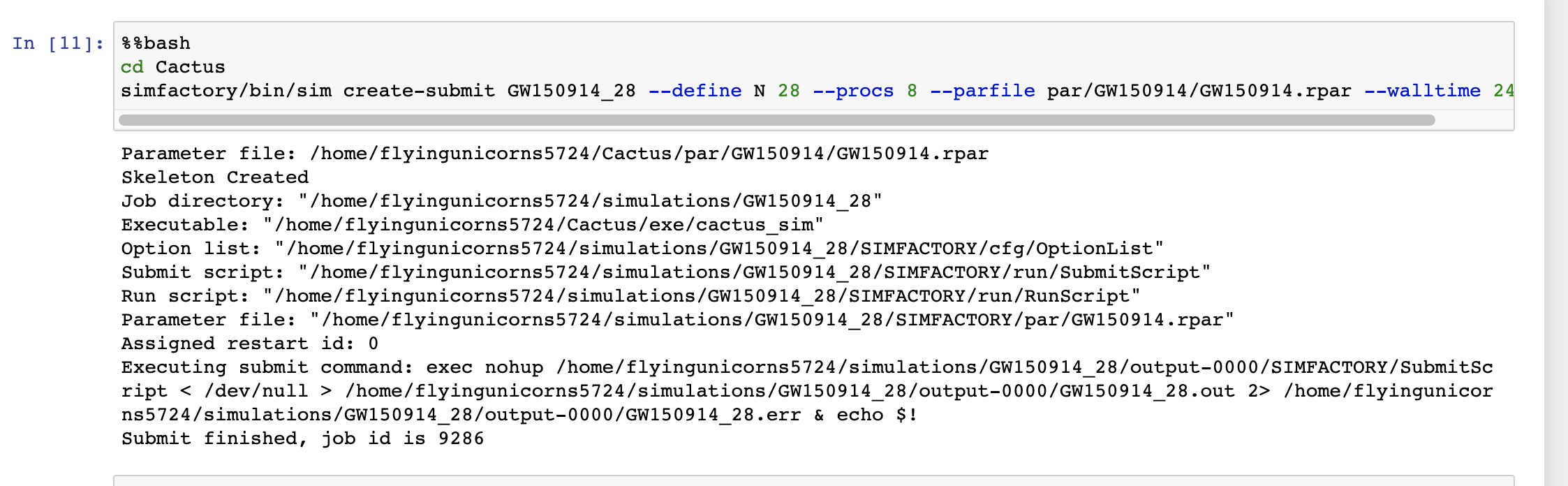
Ah... it is working with procs = 8 instead of 128. 16 * 8 = 128. Seems to equate to node = 1 [image: image.png]
On Sat, Oct 9, 2021 at 1:15 PM Krishiv Bhatia < flyingunicorns5724@gmail.com> wrote:
In the below mail, the first execution is in:
https://etk.cct.lsu.edu/user/flyingunicorns5724/notebooks/GW150914.ipynb
while the second execution is in my local mac.
- Krishiv
On Sat, Oct 9, 2021 at 1:08 PM Krishiv Bhatia < flyingunicorns5724@gmail.com> wrote:
Hello,
I was running the commands in the following tutorial: http://einsteintoolkit.org/gallery/bbh/cr.html
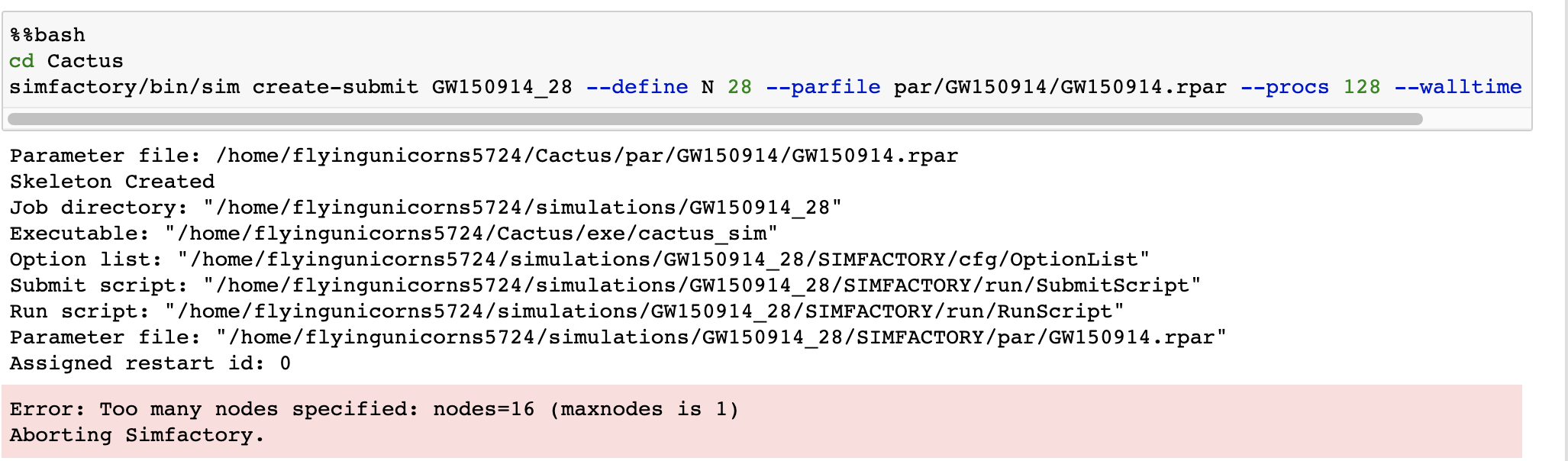
and got the following error message by running the below command.
Will appreciate your help.
[image: image.png]
$ simfactory/bin/sim create-submit GW150914_28 --define N 28 --parfile par/GW150914/GW150914.rpar --procs 128 --walltime 24:00:00
Assigned restart id: 0
Error: Too many nodes specified: nodes=16 (maxnodes is 1)
Aborting Simfactory.
Users mailing list Users@einsteintoolkit.org http://lists.einsteintoolkit.org/mailman/listinfo/users
-- Erik Schnetter schnetter@cct.lsu.edu http://www.perimeterinstitute.ca/personal/eschnetter/